
Clone Record
Duplicate records with full control over what carries over. Create a copy of the enrolled record, including custom objects. Copy every writable property or pick exactly which ones from a live multiselect, rename the clone, and optionally carry its associations over.
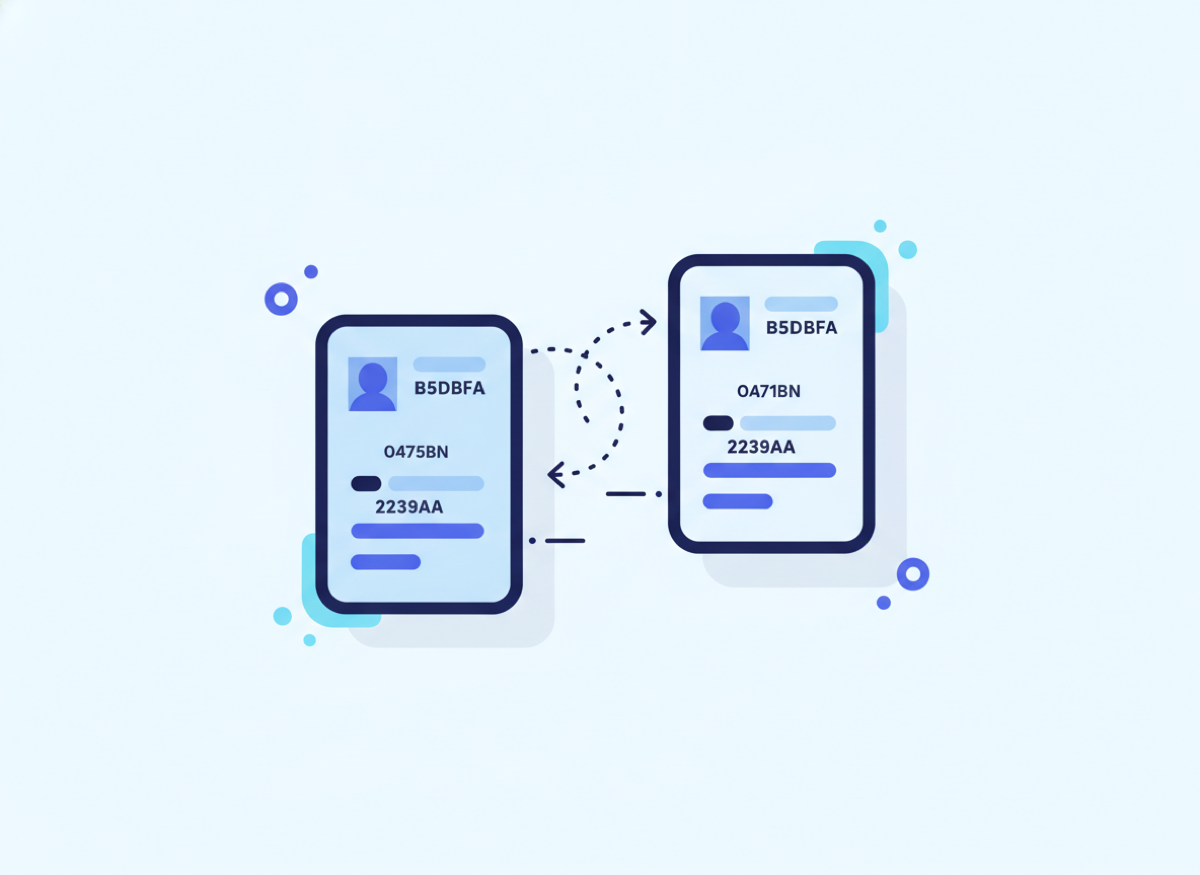
Duplicate records with full control over what carries over
- Copy all properties or a selected set
- System fields and unique identifiers are never copied
- Name the clone or append a suffix
- Optionally copy every association
- Custom object support
Operations inside this action
Pick an operation and the form shows only the fields that operation needs.
Copy all properties
Every writable property, with system fields excluded automatically.
Copy selected properties
A searchable multiselect of the record type’s properties.
Copy associations
The clone is linked to everything the source was linked to.
What teams build with Clone Record
Create next year’s renewal deal
When a deal closes won, clone it with associations, name it Renewal 2027, then shift the close date with Date Calculator.
Template tickets for recurring work
Clone a model ticket with its associations whenever a maintenance cycle starts.
Spin off a child record on a custom object
Clone a project record, copy selected properties only, and associate it to the original.
Clone Record questions
Everything teams ask before putting this action into production.
Documentation and related reading
Add Clone Record to your workflows today
Install AuPerate once and every action appears in your HubSpot workflow editor.
Get Started