
Run Custom Code
Write JavaScript inside HubSpot workflows. Execute sandboxed JavaScript on any workflow enrollment with encrypted secrets, saved snippets, five inputs and five outputs. The escape hatch for every automation HubSpot cannot express natively.
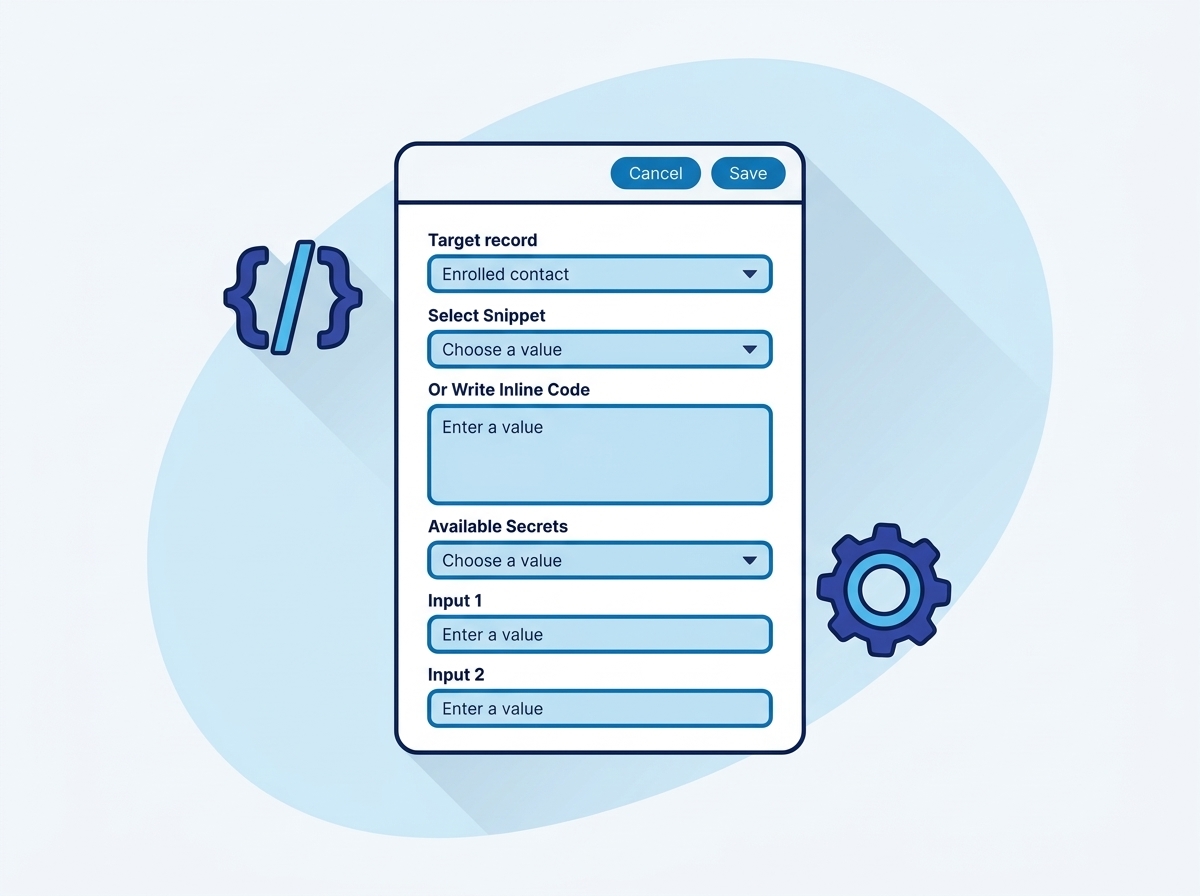
Write JavaScript inside HubSpot workflows
- Saved, versioned snippets or inline code
- Encrypted secrets injected as secrets.KEY
- axios, lodash, dayjs, crypto and form-data available
- Console output captured for debugging
- System snippet library with ready-made, clonable code
Operations inside this action
Pick an operation and the form shows only the fields that operation needs.
Run a saved snippet
Pick a snippet from your dashboard; version-controlled and reusable across workflows.
Run inline code
Paste JavaScript straight into the action for one-off logic.
Clone a system snippet
Start from a prebuilt snippet such as the PDF URL converter and customize your copy.
What teams build with Run Custom Code
Convert a private PDF link into a public URL
The system snippet calls the HubSpot Files API for a signed URL and returns it as an output you can email or send onward.
Score leads with your own model
Feed five properties in, compute a weighted score in code, write it back with a Copy property step.
Call an internal API with a signed JWT
Store the signing key as a secret, build the JWT in code with crypto, and post with axios.
Split full names, clean addresses, dedupe keys
Any string surgery HubSpot operators cannot do: regex, lookups, multi-step logic.
Run Custom Code questions
Everything teams ask before putting this action into production.
Documentation and related reading
Add Run Custom Code to your workflows today
Install AuPerate once and every action appears in your HubSpot workflow editor.
Get Started