
Send Webhook
Call any API from a workflow, with retries. Send an HTTP request to any URL with your choice of method, headers and templated body, then map the JSON response back into workflow outputs. Automatic retry on timeouts and server errors.
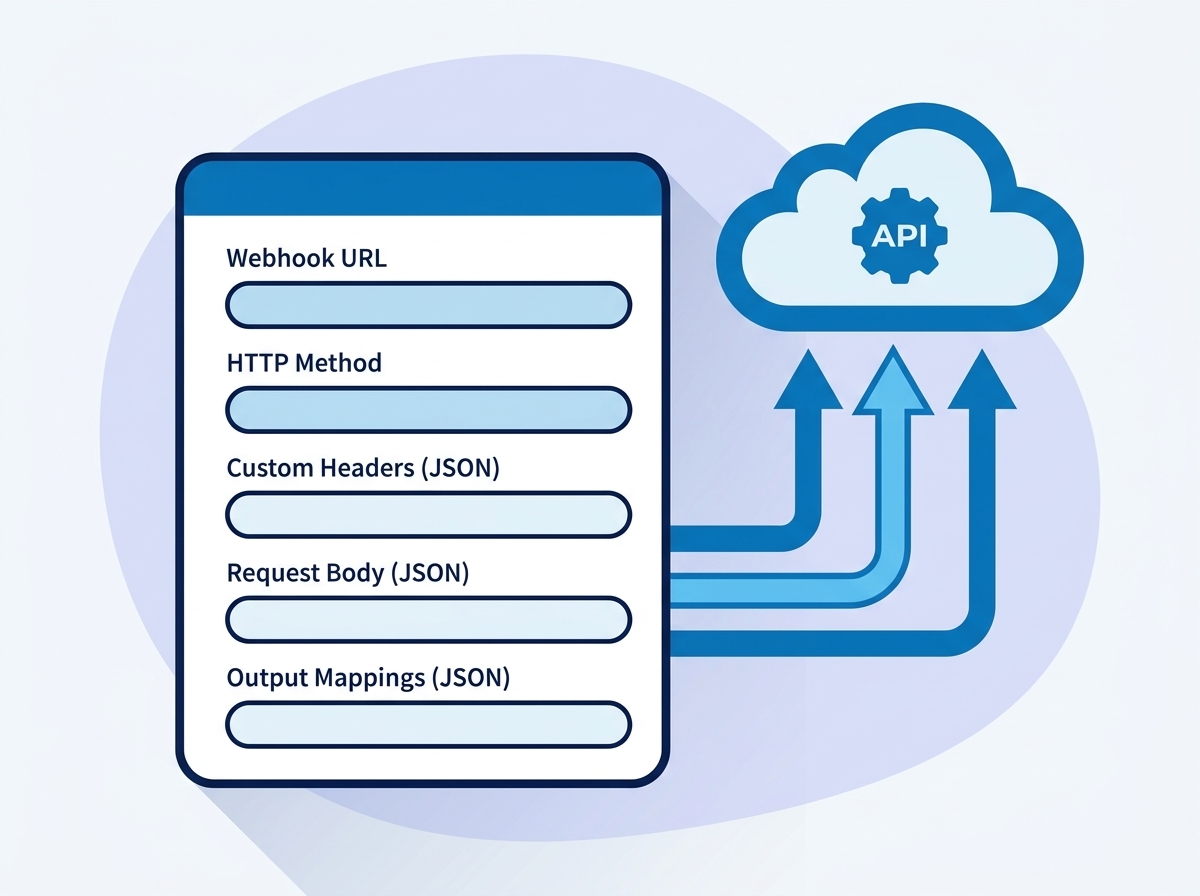
Call any API from a workflow, with retries
- GET, POST, PUT, PATCH and DELETE
- Custom headers for any authentication scheme
- Body templates with record properties
- Response JSON mapped to output fields
- Configurable retry, up to five attempts
Operations inside this action
Pick an operation and the form shows only the fields that operation needs.
Notify an external system
Fire and forget notifications to Slack, Teams, or any internal service.
Fetch data in
GET from an API and use response fields later in the same workflow.
Write to another platform
POST or PATCH records into ERPs, billing systems or data warehouses.
What teams build with Send Webhook
Sync a closed deal into your ERP
POST the deal payload to your ERP endpoint on stage change; map the returned order id back onto the deal.
Enrich a contact from a data provider
GET the provider API with the contact email, then write returned fields via output mappings.
Trigger a provisioning pipeline
Call your CI or provisioning webhook when an onboarding ticket reaches a stage, with retries for flaky endpoints.
Send Webhook questions
Everything teams ask before putting this action into production.
Documentation and related reading
Add Send Webhook to your workflows today
Install AuPerate once and every action appears in your HubSpot workflow editor.
Get Started