
Format Data
Clean, convert and compute values, including phone numbers. Twenty operations on text, numbers, dates and phone numbers, plus a custom formula mode. The everyday cleanup tool: uppercase, trim, round, currency, date math, phone normalization and more.
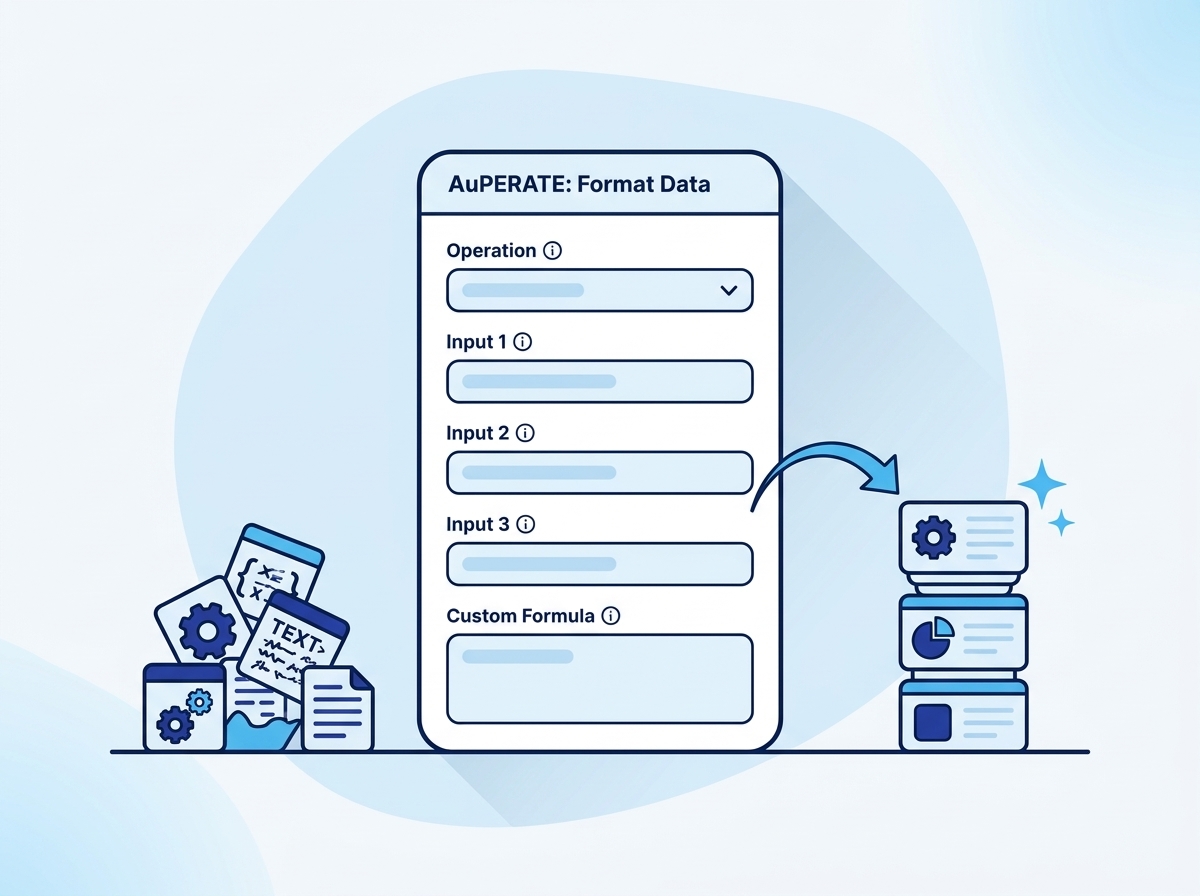
Clean, convert and compute values, including phone numbers
- Text: case, trim, replace, substring
- Numbers: round, format, currency, percentage, arithmetic
- Dates: format, add days, difference, now
- Phone: normalize to E.164 and validate
- Custom formulas with functions like if(), upper(), round()
Operations inside this action
Pick an operation and the form shows only the fields that operation needs.
Phone: Normalize to E.164
Turns 098765 43210 into +919876543210 using a default country code.
Phone: Validate
Checks digit count bounds and returns Valid or Invalid plus the digit count.
Custom formula
Combine functions and inputs into one expression when a single operation is not enough.
What teams build with Format Data
Normalize every phone number on create
Enroll on create, run Phone: Normalize with your country code, write the result back.
Standardize names and emails
Capitalize names, lowercase emails, trim stray whitespace as records enter the CRM.
Compute renewal amounts
Multiply seats by unit price with the math operations, or use a custom formula with rounding.
Format Data questions
Everything teams ask before putting this action into production.
Documentation and related reading
Add Format Data to your workflows today
Install AuPerate once and every action appears in your HubSpot workflow editor.
Get Started