
Associate Records
Connect any record to any other, one to one or one to many. Associate the enrolled record with contacts, companies, deals, tickets or custom objects. Find targets by matching a property value, by record ID, or by email domain. Apply association labels, including your custom labels, and remove associations just as precisely.
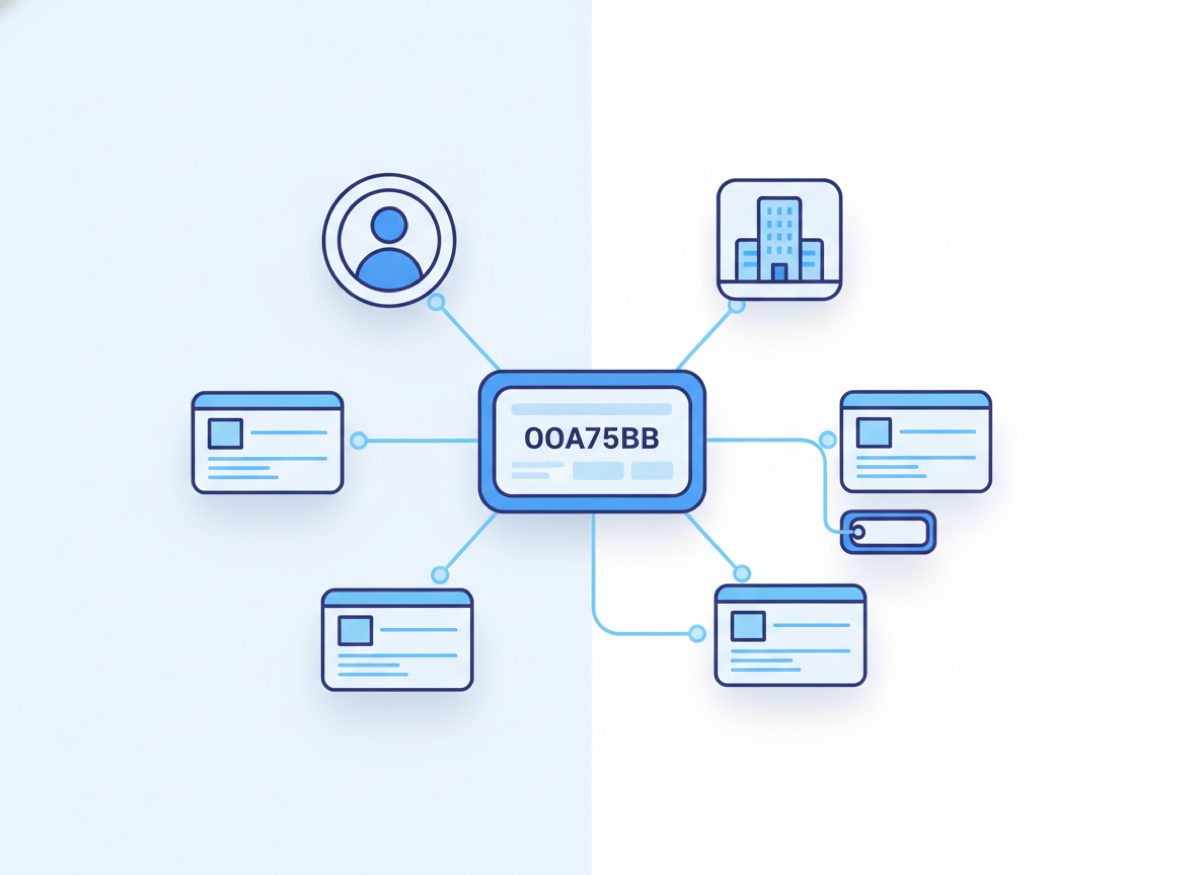
Connect any record to any other, one to one or one to many
- Match targets by any property value
- One to one with a tie breaker, or one to many up to 50
- Association labels loaded live from your portal
- Custom object support
- Remove all associations of a type, or one specific link
Operations inside this action
Pick an operation and the form shows only the fields that operation needs.
Match a property value
Associate every record whose chosen property equals a value from the enrolled record.
Specific record IDs
Associate to one or many known IDs, comma separated.
Email domain to company
The classic contact to company join, with optional company creation.
Remove associations
Detach everything of a type or one specific record.
What teams build with Associate Records
Link deals to projects by reference number
Match the deal’s project reference against a custom object property; associate all matches one to many.
Attach contacts to their company automatically
Email domain matching with create-if-missing keeps new signups organized without manual triage.
Label partner relationships
Associate companies to deals with your custom Partner label, picked from a live dropdown.
Associate Records questions
Everything teams ask before putting this action into production.
Documentation and related reading
Add Associate Records to your workflows today
Install AuPerate once and every action appears in your HubSpot workflow editor.
Get Started